
cs2 trade up · cs2 trade up calculator · cs2 trade up guide · cs2 knife trade up · profitable cs2 trade ups · cs2 trade up contract
The Ultimate 2026 CS2 Trade Up Guide: How to Master Profitable Skin Contracts and Turn Cheap Skins into Serious Profits
Master CS2 Trade Up Contracts in 2026. Learn exact mechanics, float formula, new knife/glove crafting system, and proven profitable strategies. Use the best CS2 Trade Up Calculator at csprofit.gg to turn $5–$20 skins into real money.
CP
April 8, 20266 min readCS Profit TeamEditorial Team
cs2 trade up · cs2 trade up calculator · cs2 trade up guide · cs2 knife trade up · profitable cs2 trade ups · cs2 trade up contract
The Ultimate 2026 CS2 Trade Up Guide: How to Master Profitable Skin Contracts and Turn Cheap Skins into Serious Profits
Master CS2 Trade Up Contracts in 2026. Learn exact mechanics, float formula, new knife/glove crafting system, and proven profitable strategies. Use the best CS2 Trade Up Calculator at csprofit.gg to turn $5–$20 skins into real money.
CPCS Profit Team
April 8, 20266 min readThe Ultimate 2026 CS2 Trade Up Guide: How to Master Profitable Skin Contracts and Turn Cheap Skins into Serious Profits
Are you tired of opening cases hoping for that one big pull, only to watch your balance slowly drain? Welcome to the world of CS2 Trade Up Contracts — one of the smartest, most consistent ways to generate profit in the CS2 skin economy in 2026. Whether you're a beginner looking for your first profitable contract or a seasoned trader hunting knife upgrades, this comprehensive guide covers everything you need to know, including where to find live trade-up opportunities.
At csprofit.gg, we've built powerful tools like our advanced CS2 Trade Up Calculator, AI investment advisor, and live market analysis specifically to help players like you spot high-EV opportunities before the market moves. This isn't just theory — it's the exact framework thousands of traders use to turn $5–$20 contracts into $50+ payouts on a regular basis.
If you want a structured walkthrough first, start with the official trade-up guide and come back here for advanced optimization plays.
Let's dive in.
What Is a CS2 Trade Up Contract?
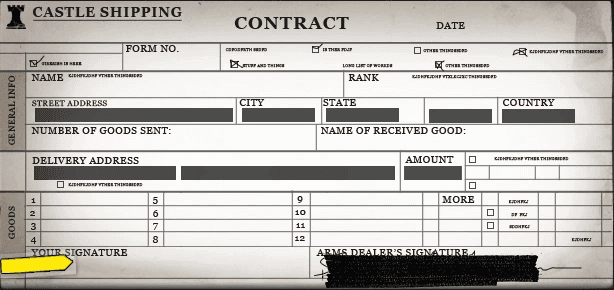
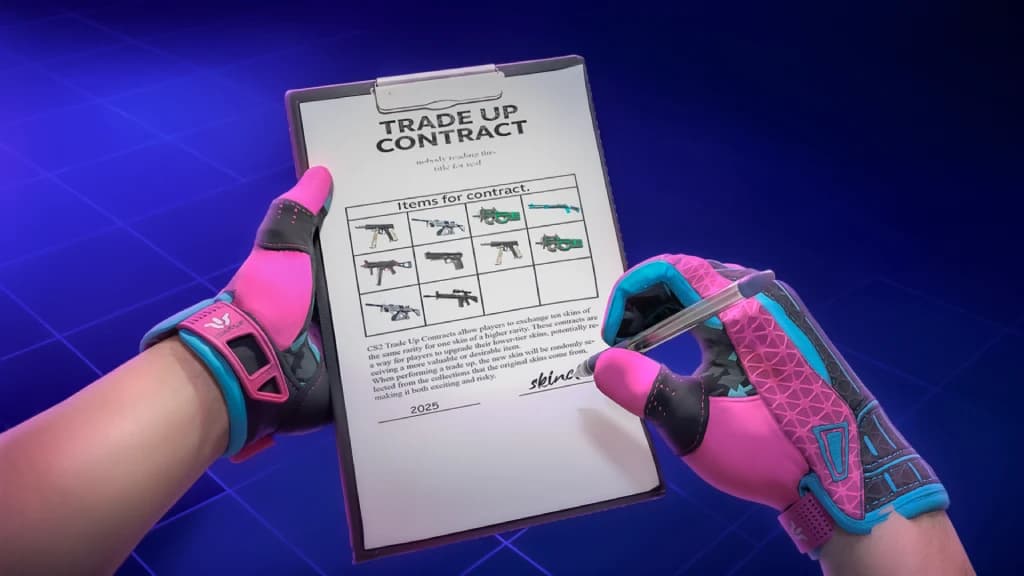
A CS2 Trade Up Contract is Valve's official system that lets you exchange multiple lower-tier skins for one higher-tier skin. In simple terms: you "trade up" your inventory the way you upgrade gear in other games — except here, the right contract can actually make you money.
Core Rule:
- 10 skins of the same rarity → 1 skin of the next higher rarity
- For the brand-new Covert Knife/Glove Trade Ups (added in the October 2025 Re-Retakes Update): 5 Covert skins → 1 knife or pair of gloves.
This feature has been in the game since the Arms Deal update, but 2025–2026 changes made it more powerful (and more profitable) than ever.
CS2 Trade Up Rarity Tiers Explained
| Input Rarity | Number of Inputs | Output Rarity | Special Note |
|---|---|---|---|
| Consumer Grade | 10 | Industrial Grade | Rarely profitable |
| Industrial Grade | 10 | Mil-Spec | Great for beginners |
| Mil-Spec | 10 | Restricted | Most popular starting point |
| Restricted | 10 | Classified | High-value mid-tier plays |
| Classified | 10 | Covert | Gateway to expensive weapons |
| Covert | 5 | Knife / Gloves | New 2025 system – highest reward |
Important: You cannot mix normal and StatTrak™ skins in the same contract. All 10 (or 5) inputs must be the same type.
How CS2 Trade Ups Actually Work (Post-2025 Mechanics)
The output isn't completely random. Here's exactly how Valve decides your result:
-
Collection Weighting The game looks at which collections your input skins come from. The more skins you put in from a specific collection, the higher the chance the output comes from that collection.
-
Probability Formula (simplified) If you use skins from multiple collections, the odds are weighted by both the number of inputs and how many possible outputs exist in each collection. Tools like the trade-up calculator do this math instantly.
-
Float Value Calculation (the formula that actually matters for profit) The output float is not a simple average. Valve uses this exact formula:
[ f = x * (y - z) + z ]
Where:
- ( f ) = final float of the output skin
- ( x ) = average normalized float of your inputs
- ( y ) = maximum float of the output skin
- ( z ) = minimum float of the output skin
This is why smart traders carefully choose input floats — a 0.06 average can land you a beautiful Factory New, while a 0.40 average might force a Battle-Scarred that sells for half the price.
The Game-Changing 2025–2026 Update: Knife & Glove Crafting
The biggest news for 2026 traders? The new Covert Trade Up system.
Instead of needing 10 Classified skins to get a Covert weapon, you can now use 5 Covert skins to directly craft a knife or gloves (StatTrak™ knives are possible).
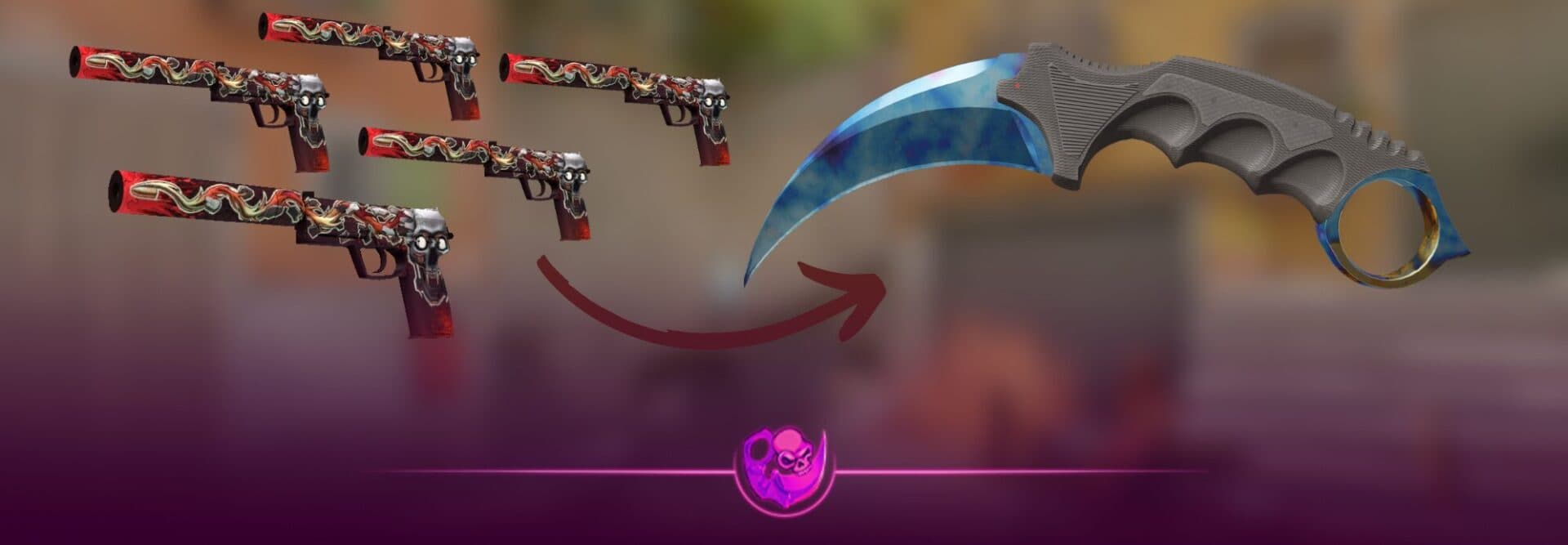
This single change created an entirely new meta for high-stakes, high-reward contracts. The market is still adjusting, which means sharp traders using tools like csprofit.gg’s AI advisor are finding insane value before prices stabilize.
Step-by-Step: How to Execute a CS2 Trade Up
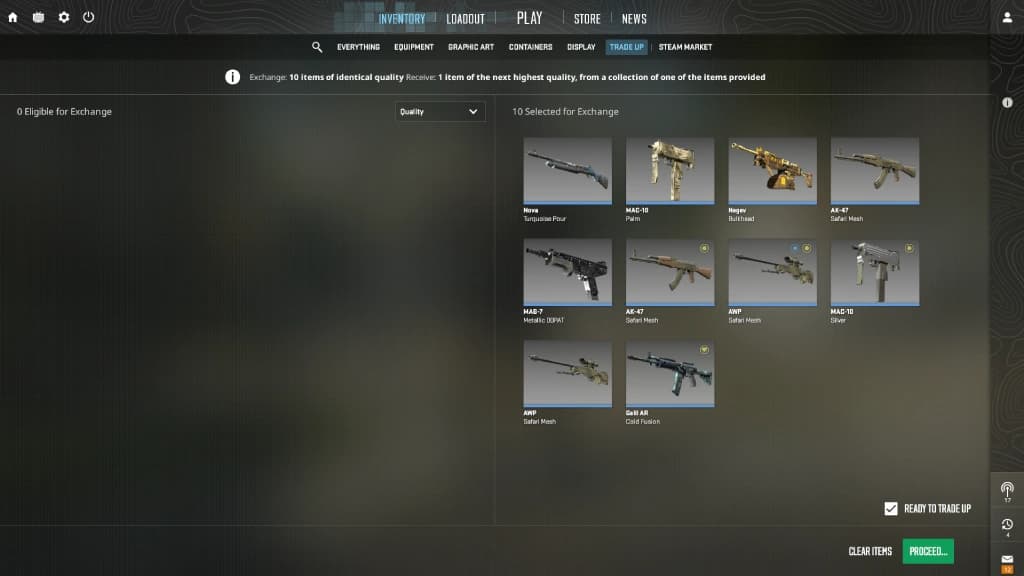
- Open your CS2 inventory.
- Click any eligible skin → “Use With Trade Up Contract”.
- Select your 10 (or 5 for knives) matching skins.
- Review the contract preview (date, skins, signature area).
- Sign with your mouse and hit “Submit Contract”.
- Receive your new skin instantly.
Pro tip: Always use a trade up calculator first. Guessing is how you lose money.
You can also pre-check outcomes by first visiting the trade-up opportunities page, then opening any contract detail to review potential outputs before committing skins.
How to Find Profitable CS2 Trade Ups in 2026
Profit = Expected Value (EV) – Total Input Cost – Fees (≈13% on Steam).
The Golden Strategy:
- Pick a high-value target skin first.
- Find its collection.
- Fill 7–9 slots with cheap skins from that same collection.
- Use 1–3 “filler” skins from collections that have terrible (cheap) outputs to keep costs low while maintaining strong odds on your target.
This is exactly what the csprofit.gg Trade Up Calculator is built for. It shows you:
- Exact odds for every possible outcome
- Expected value (EV)
- Float range predictions
- ROI percentage
- Live Steam + CSFloat pricing
Best Strategies & Pro Tips for 2026
- Float Sniping: Use extensions like CSFloat Market Checker to buy low-float inputs at trash prices.
- Budget Contracts: Many profitable trade ups still exist under $10–$20. Start small.
- Avoid New Releases: Skins on 7-day trade hold crash in value — don’t use them as inputs.
- StatTrak™ Premium: StatTrak versions often have better ROI if the market premium is high.
- Market Timing: Check csprofit.gg’s investment tracker for collection trends before committing.
Recommended Tools (Why csprofit.gg Wins)
While free calculators exist, serious traders use csprofit.gg because it combines:
- Real-time Trade Up Calculator with variance analysis
- AI advisor that answers “Is this contract +EV right now?”
- Live market data from Steam + CSFloat
- Investment dashboard that tracks your entire portfolio ROI
- Clean, ad-free interface built by traders for traders
No more jumping between 5 different websites. Everything you need for profitable CS2 trade ups is in one place.
Common Mistakes That Cost Traders Money
- Skipping the calculator
- Mixing StatTrak and normal skins
- Ignoring float ranges
- Chasing “hot” contracts after everyone else already bought the inputs
- Forgetting Steam fees in EV calculations
Risks & Final Reality Check
Trade ups are not gambling if you do the math — they’re investing. But the market moves fast. What’s profitable today might not be tomorrow. Always verify with current prices.
Ready to Start Printing Profit in CS2?
The CS2 skin economy rewards knowledge and the right tools. With the strategies in this guide and csprofit.gg’s Trade Up Calculator + AI advisor, you now have everything you need to find, calculate, and execute winning contracts.
Head over to the trade-up calculator right now, plug in your first contract, then review your edge on the trade-up opportunities page. Whether you’re hunting your first $50 profit or scaling up to knife crafts, the tools are waiting.
Drop your best trade up results in the comments — let’s see who hits the biggest payout in 2026.
Stay sharp. Trade smart. Profit harder.
— Your 20-Year Pro Blogger at csprofit.gg